Node is saved as draft in My Content >> Draft
-
How to Create Database In MDM ?
almost 10 years ago
Hello Readers, In this Blog I am going to describe How we can Create DataBase In MDM Hub Console.
In order to do So , follow the following Steps:
- Launch the MDM-Hub Console JNLP File.
- Enter your Login Credentials.
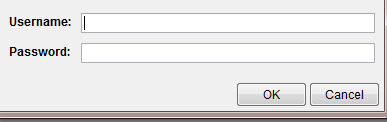
- This will Open The Workbench of MDM Hub Console.
- Connect to ORS Database.
- Acquire the Write Lock (W)
- Now Click on Register Database Configuration
Configuration Database Click On Add (+)- This Will pop up a window, select your DataBase Connectivity (say Oracle)
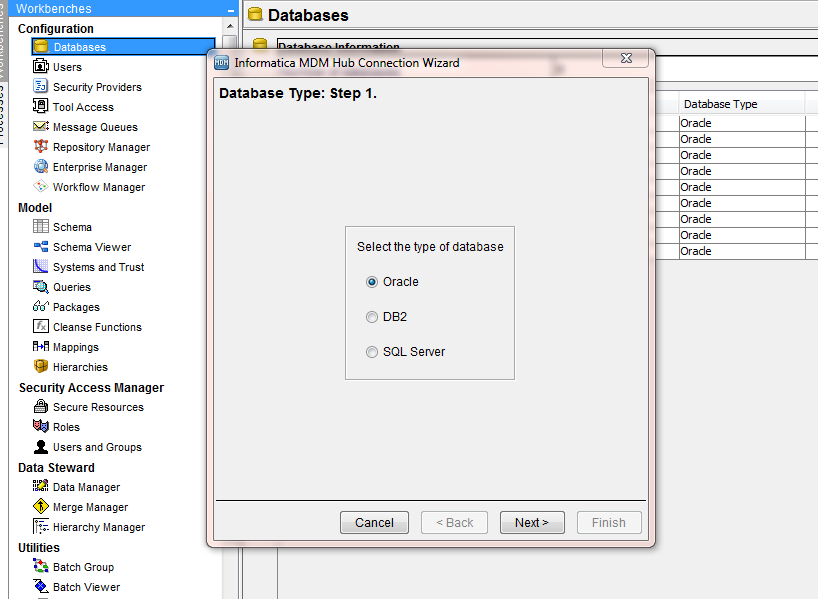
- Select The DataBase Type, SID or Service
- Enter The Required parameter, Click On Next.

- Verify our details
- Test The Connectivity
- Click OK to create the Database.


 "Click to preview")
 "Click to preview")
 "Click to preview")

0 Comment(s)